Accomplishments
- Look Around
- UI Improvements
- Tour Editor Improvements
- General Improvements
Bonus
- Defurnish User Experience
- Reconstruction Wall Consensus
360 photos and spatial scenes begin with single images visible to the camera. This week I focused on improving this foundation of the experience. This came through adding output explicitly for gallery tours, including those with no 3D model, as well as a variety of bug fixes and editor improvements. With the base improved, I began looking to take individual 360 photos to the next level with a new feature adding subtle depth to the images.
Look Around
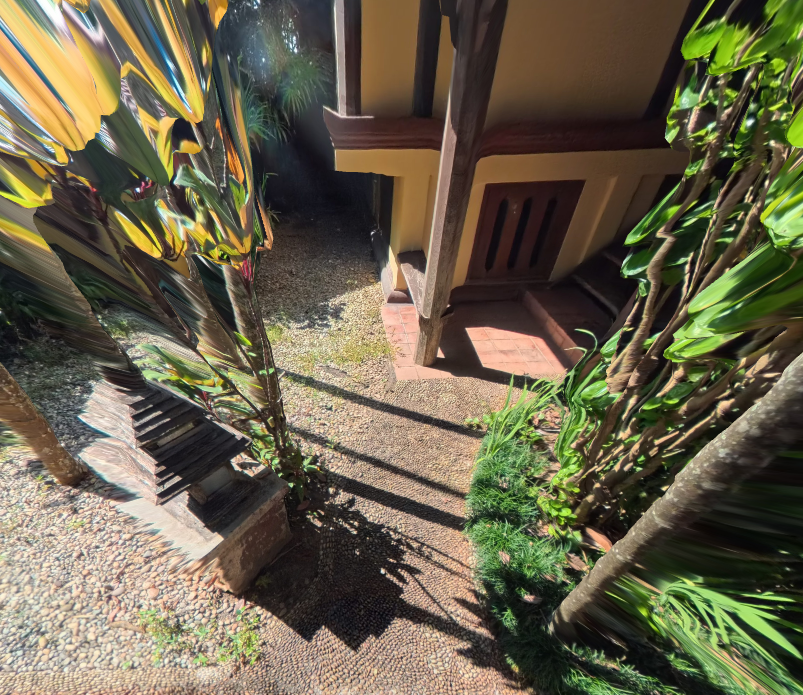
Look Around is a feature where the camera is able to subtly look around corners within the 360 panorama. Instead of a camera rotating as if on a ball joint, a subtle offset is given from the camera to its initial position, and instead of pivoting, it orbits its origin. This offset allows the camera to perceive a subtle parallax in the 360 photo when paired with a depthmap. Combined, this gives a more immersive 3D effect to the scene.
UI Improvements
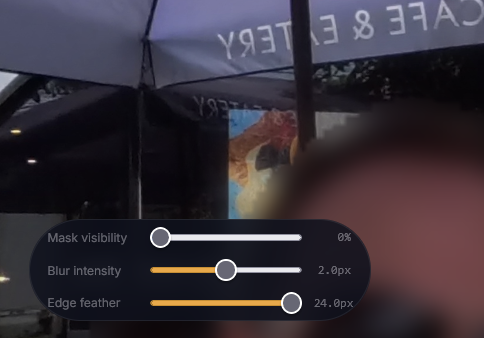
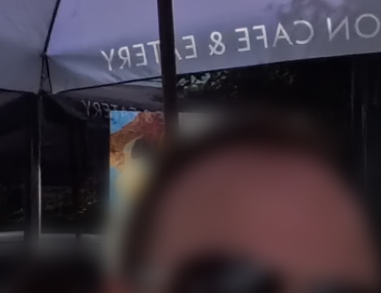
A variety of improvements were added to the tour generator’s UI. The first is a new full resolution toggle. Most image information, like the original image or views of inpainting or blurs, up until now was shown at a reduced resolution. This feature allows for the full resolution image to be streamed. This gives the creator the opportunity to see the final tour files before generation, with the full resolution of all changes including inpaint and blur. Minor details can be caught here and edited before processing begins.
Blur was also improved. The edge feathering was modified. Basic edge feathering allowed the feathered portion to overlap and extend outside the bounds of the mask, completely removing the blur. Now all items within the mask will be blurred regardless of feather position. Feather position was also updated to appear closer to the edge, reducing aliasing from the mask and ensuring a smooth transition between the blur and the image.
Gallery Tour generation was also added and offers the ability to make tours without generating a 3D model.
Tour Editor Improvements
The tour editor and experience also came with many improvements. Infospots were updated to allow for the iframe size to be edited, as well as details about the card. This new editing ability was also extended to the VR popup menu. Up until now, an edited version of the default user interface icon image was used. This is a single image with a variety of subimages that are referenced by their location to be used in the scene. Now, each image is individual and can be uploaded and replaced from the editor.
Lastly, the export option was configured. Now, the tour can be translated with all changes and exported from a single button, prepared to run.
General Improvements
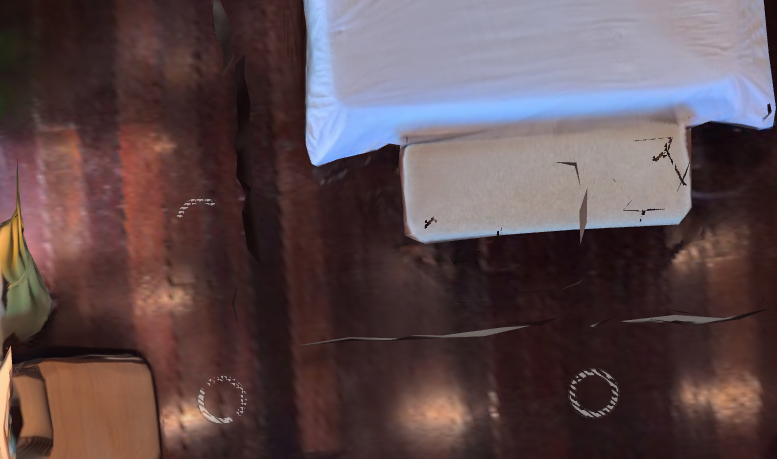
A variety of general changes were identified and employed while testing the rest of the service. Gallery tours often employ previous and next buttons for scene iteration. These could sometimes land on the diorama in 3D tours and were not yet set up to cycle. Both of these improvements were addressed, as now in the tour editor specific scenes can be directly removed from the list of items to be iterated upon. The array of items is also now cycled during iteration.
Some transition fades and a flicker noticed on hotspots at high orthographic views were updated and resolved. Glass masking and flattening was also reintegrated. This was reintroduced after noticing depth in glass mirrors during recent changes.
Bonus: Defurnish User Experience
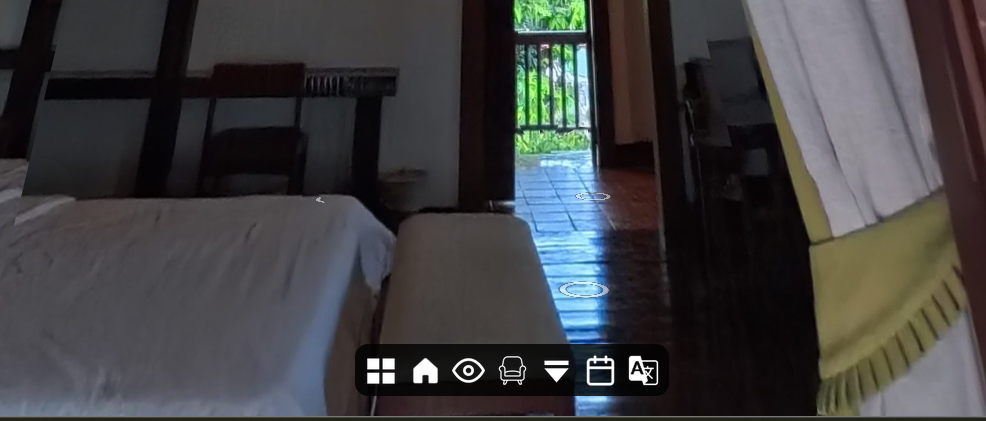
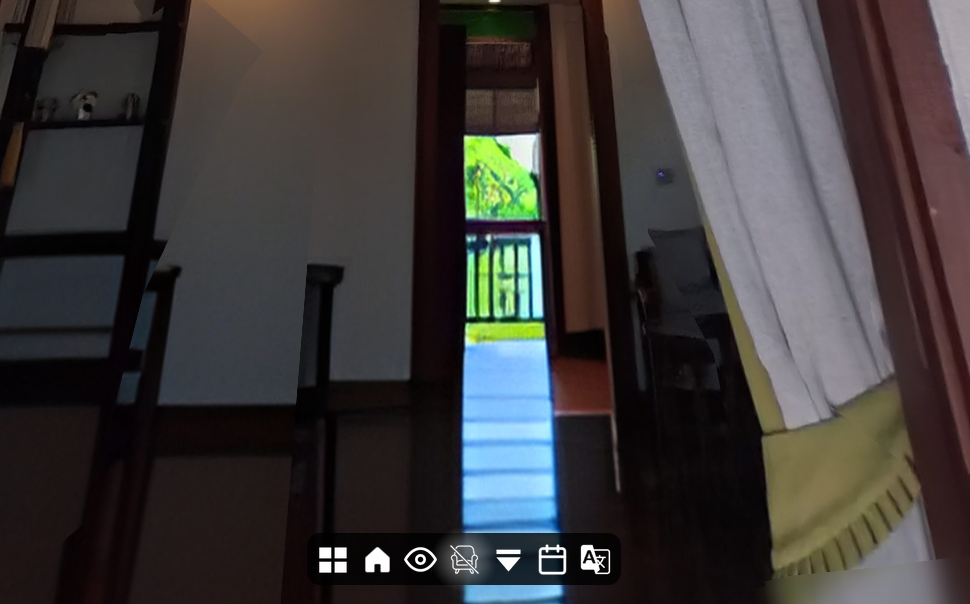
Defurnishing 360 photos and using them to generate a 3D mesh have been accomplished. This week, the necessary steps to view and export a tour with this feature were added. Now a new button and plugin can be added to the menu, where a chair icon is displayed. Upon clicking, the screen fades from furnished to unfurnished. Iterations and hotspot selection remain on the defurnished view, as well as the dollhouse, until furnished view is toggled back on.
Bonus: Reconstruction Wall Consensus
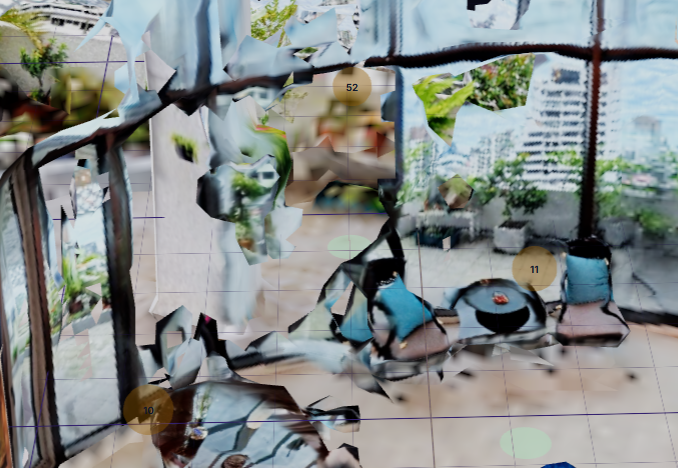
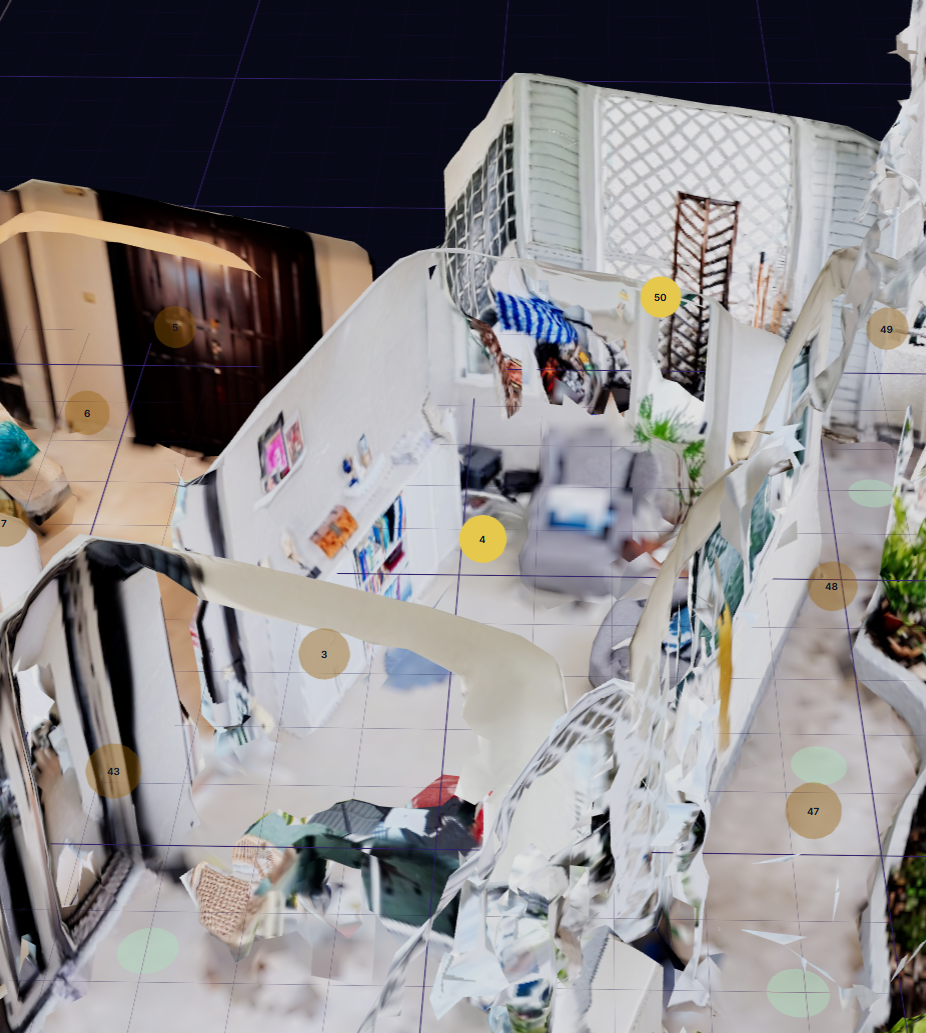
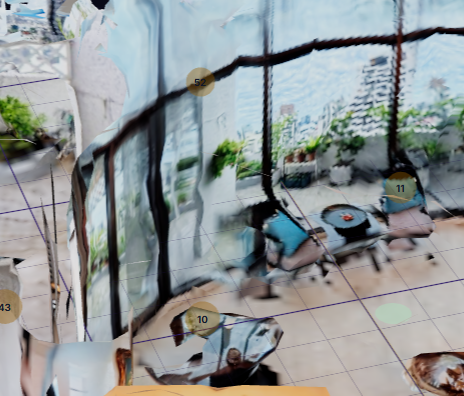
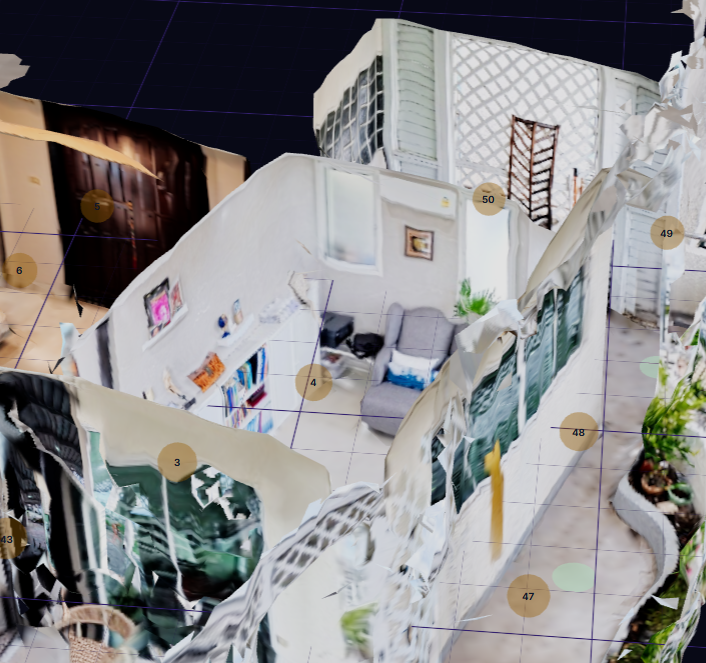
When depthmaps are estimated and cameras are posed, there is an opportunity for the point clouds to disagree on what goes where. if two adjacent rooms say that the walls overlap, the reconstruction process must be robust to handle this. Previously, overlapping walls could result in holes appearing and tearing through the mesh. This week I implemented a new process that first goes through the series of point clouds and identifies these overlaps. Then it intelligently determines where and how to move points that overlap incorrectly. some overlap should be destroyed, like when two point clouds occlude an area slightly differently. However, when the points have drastically different normal facing directions, it is likely that the points are from opposing locations and most likely are accurate relative to the camera, but perhaps not to the whole scene. These locations are then adjusted uniformly to give enough space to the conflicting areas in order to mesh properly.
Summary:
The “flat,” 2D user experience is at the very core of spatial experiences. The 360 data captured by the camera is the most accurate data in the process. Gallery views allow this to be displayed even without a connected sequence. Depth and camera offset allow it to be upgraded and made more immersive. Creation tools and general improvements help better tailor the experience, and tools like defurnishing also add the ability to share even more information through it.