
Accomplishments
- Mobile:
- Voxel Empty Space
- Human Detection
- Saved Projects
Bonus
- UX:
- Orthographic Transition
- Dynamic Location Hotspots
- Architecture
- Template HTML
New improvements to the mobile capture tool improve its ability to capture and display environment details. Reducing noise from the output improves its visual representation, while saving projects allows scenes to be returned to and updated if pauses are necessary. And the new human detection system provides a workflow to automatically detect and remove humans while stitching multiple photos together.
Beyond mobile, new improvements were made to the architecture and user experience. Now when looking at a diorama from a high angle the camera’s view smoothly translates from a natural perspective to a more architectural, or orthographic, flat look. Other changes were added too, like adjusting a hovered hotspots transparency, and hiding the current location hotspot of the camera. Changes were made to the architecture as well to introduce favorite icons and replace copy pasted html files with a reusable template.
Mobile Improvements:
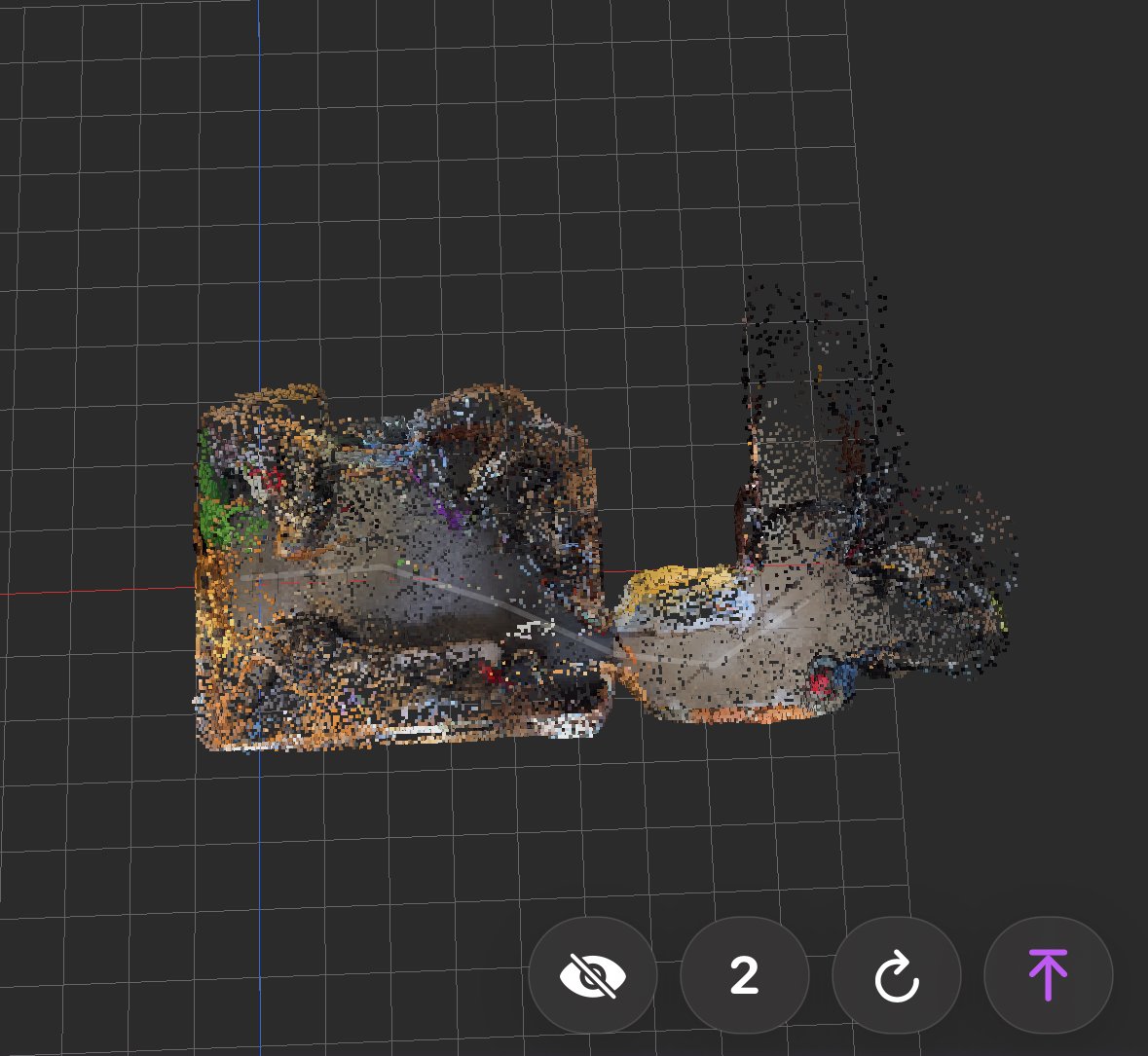
The goal of mobile capture is to get on-site feedback for adjustments before returning to a workstation for processing. A sequence of unedited voxel clouds can become very noisy, as depth estimation often stretches and becomes incorrect at sharp edges and far distances. A voting process, similar to that used by the reconstruction phase, was implemented in order to swiftly remove noisy low confidence points.
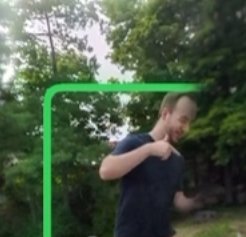
Human detection was also added as an improvement to the editing workflow. Using Apple’s lightweight ML models we can automatically detect humans in the live feed and captured images. These detections can be used to mask out parts of the image to be replaced by a following capture. In large open areas, hiding from the camera may take the phone out of range. This helps automate detection and hiding of people, and the photographer.
Projects can now be saved and returned to later. Downsampled images, depthmaps, and position data are stored and ready to be returned to at later sessions.
Bonus: UX Improvements
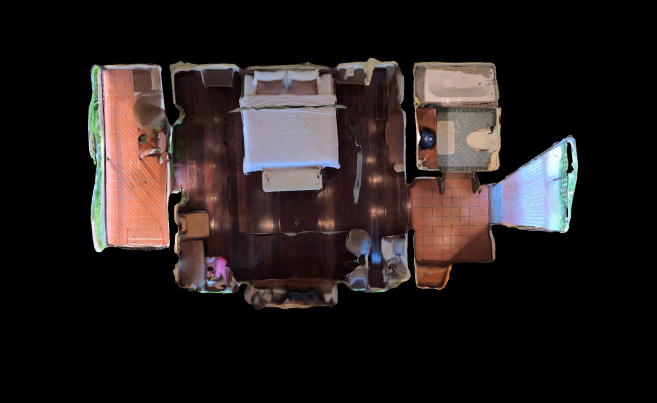
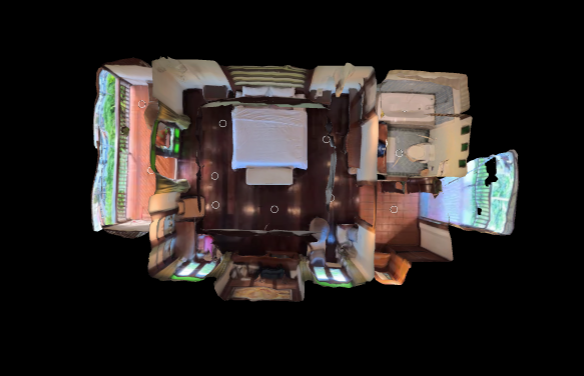
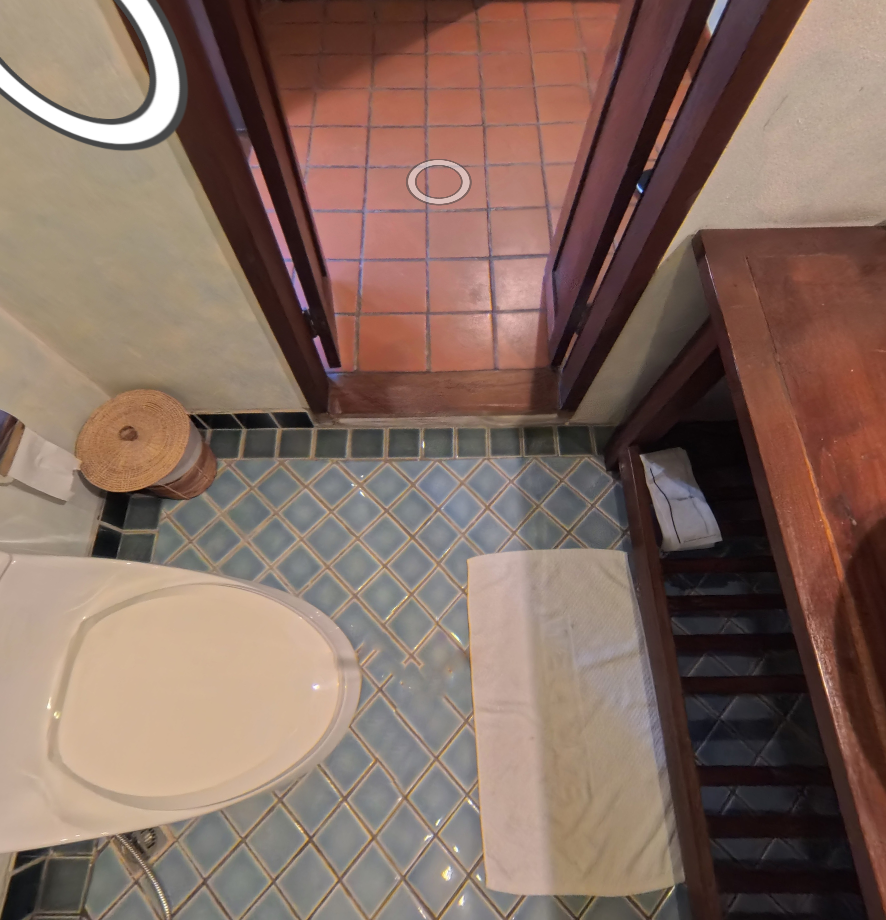
New experiences have been made to the user experience (UX). These visual improvements relate to how dioramas can be viewed, and how location hotspots react to the viewer.
The diorama was updated to slowly transition from a perspective, 3D depth, view of the environment, towards a more orthographic, 2D / Architectural, view of the environment. This change in perspective makes the visual appear more like a floorplan when viewed from up high. This view is often more familiar and interpretable than the angles visible when viewing in perspective 3D.
Dynamic transparency for location hotspots was improved. Now when hovering over a hotspot, the 3D cursor hides and the hotspot transitions to a more solid color. This provides improved visual cues for which hotspot is to be clicked. Also, hotspots below the viewer now transition out, and in, over time. This prevents the user from re-selecting their current hotspot, causing an unnecessary transition.
Architecture:
Each experience begins with an HTML file. This file acts as the landing page for the experience. It loads basic things, like the favorite icon, and the experience’s root file. Most of the time these html files are very similar, with minor changes like the name of the file called, or the title of the page. To make this easier to maintain, I created a template html file. Now tours can access the same reused information, while injecting their specific information into it. This simplifies maintenance and allows for changes to one file to improve all experiences.
Summary:
Mobile capture represents the input, and the user’s experience represents the output. These improvements improve both and bring them closer together. Its important when capturing a user experience to identify problems and adjust to improve it as soon as possible. Changes like auto human detection and voxel noise removal make the capturer’s workflow faster and more clearly displays the idea of the final result at the initial stages.
User experience improvements like shifting perspectives and dynamic hotspot transparencies affords the user more visual cues about the scene, and a more familiar display of information within it.