Accomplishments
- Improved 3D Model Quality
Bonus
- Mask Comparison Tool
- Match Comparison tool
A 3D visualization of an environment does not need to be perfect, it just needs to be believable. This week we took un-believable cut objects, or meshes, with artifacts and sharp corners and made them more believable with more identical features, smoothed surfaces, all with faster performance. In addition to this, I developed two new tools to better help me test the bulk affects of my changes across a variety of datasets.
Improved 3D Model Quality
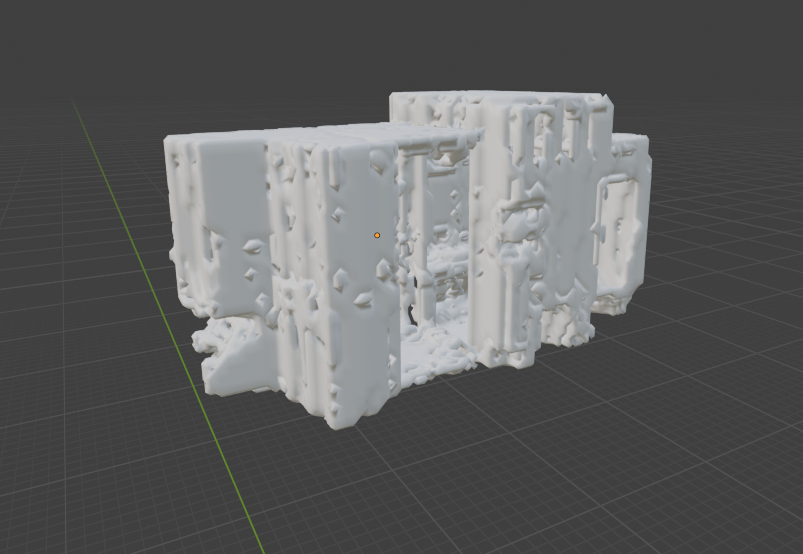
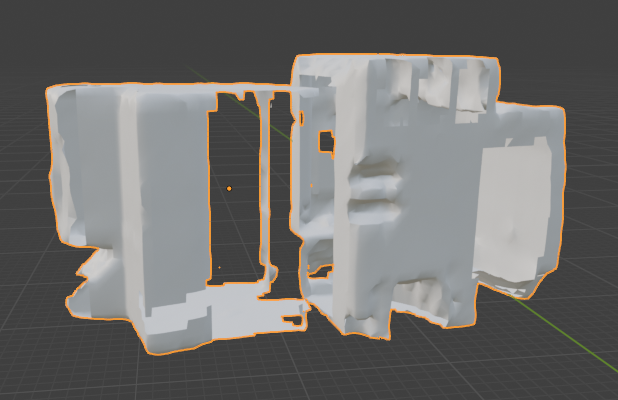
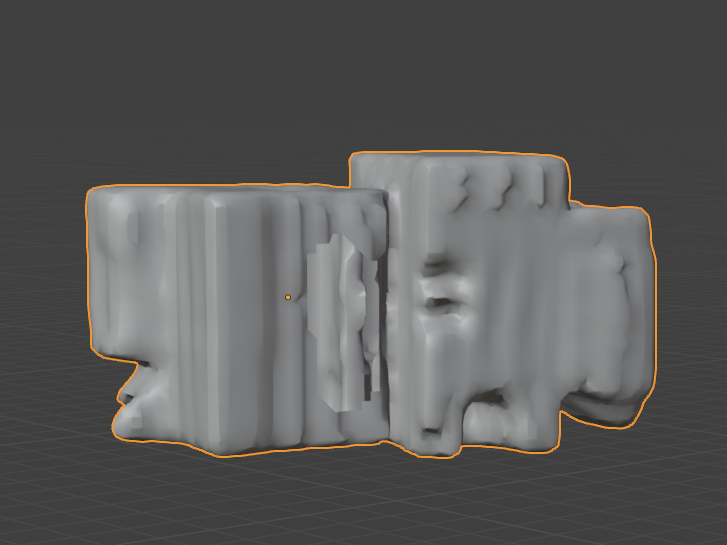
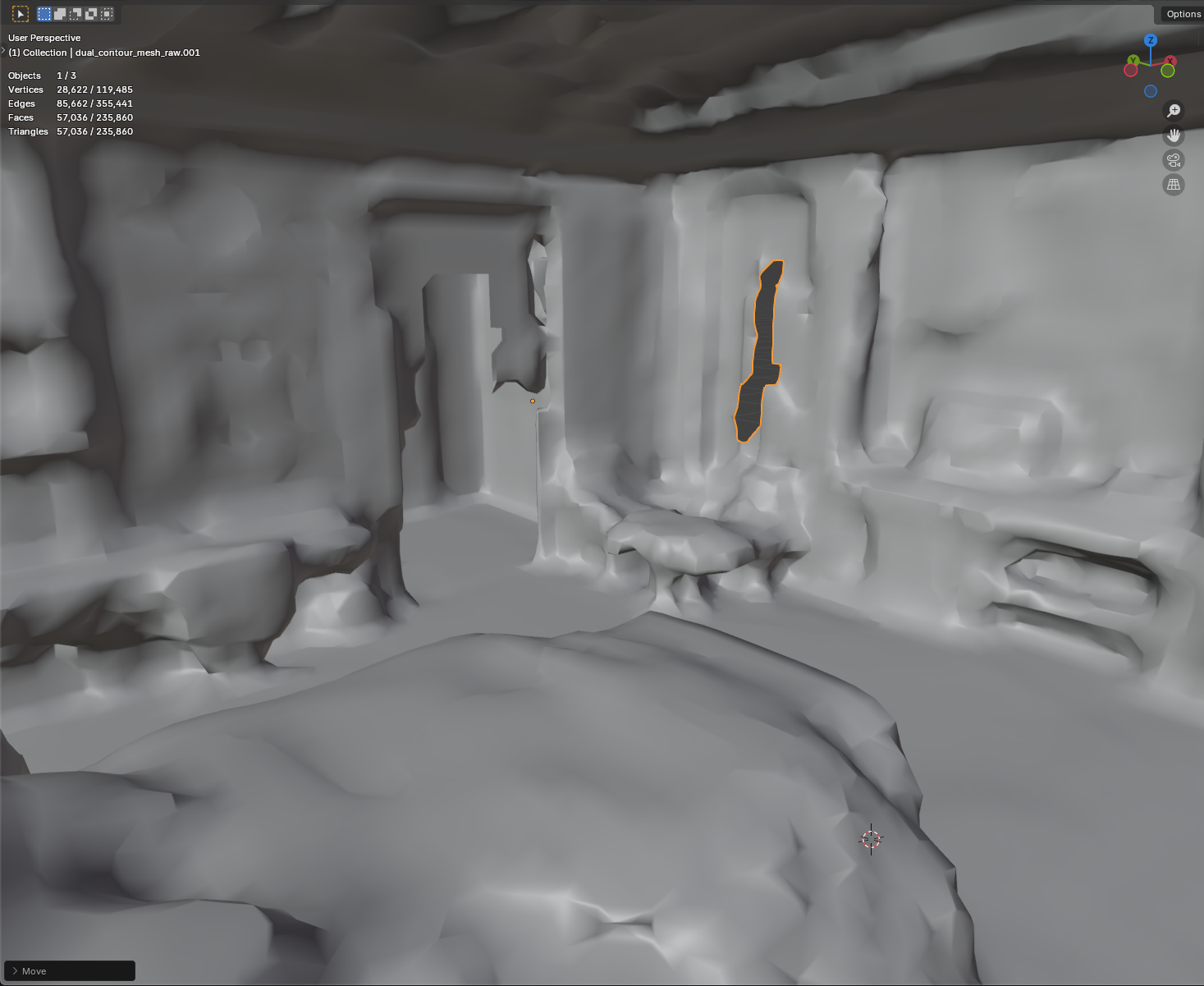
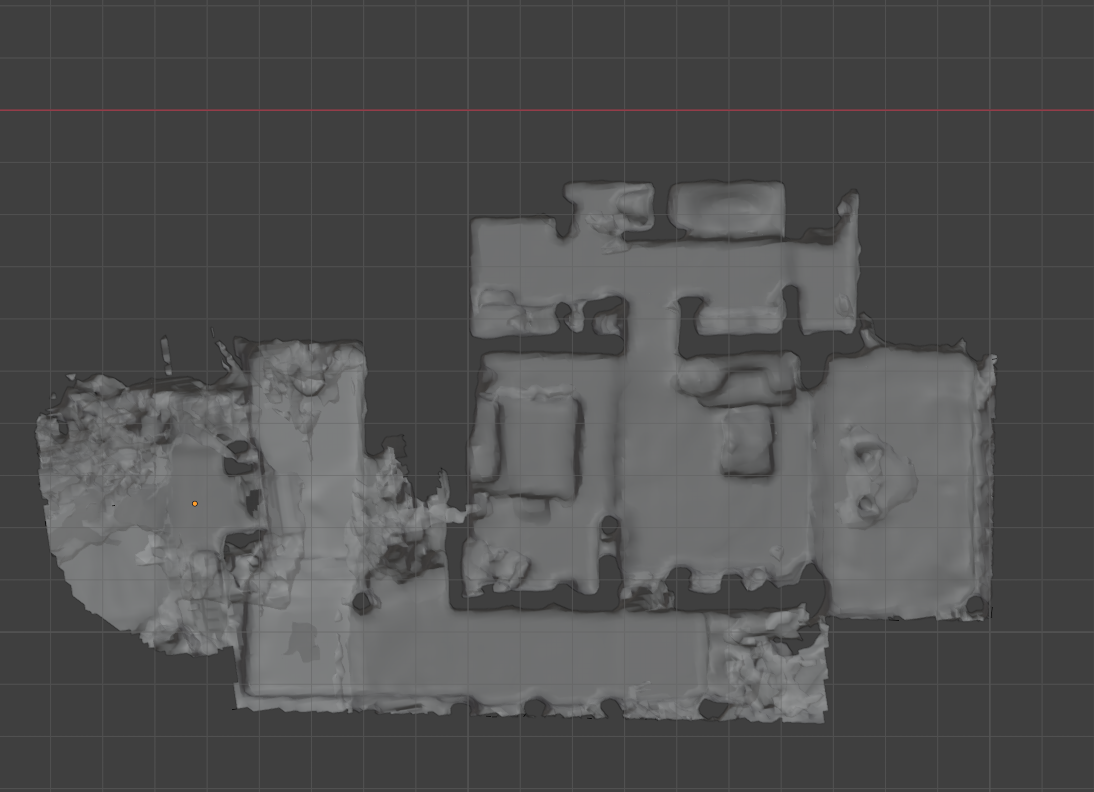
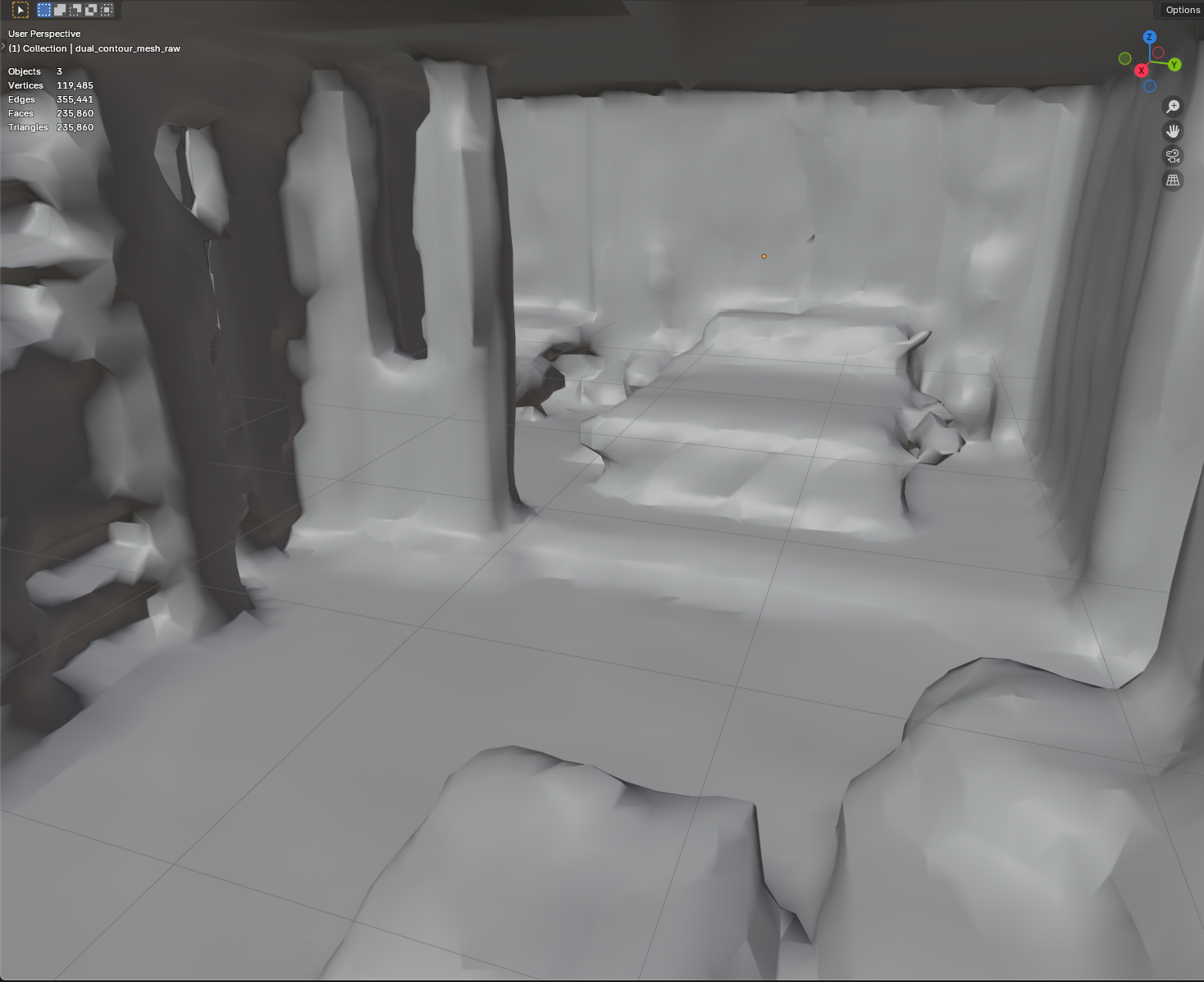
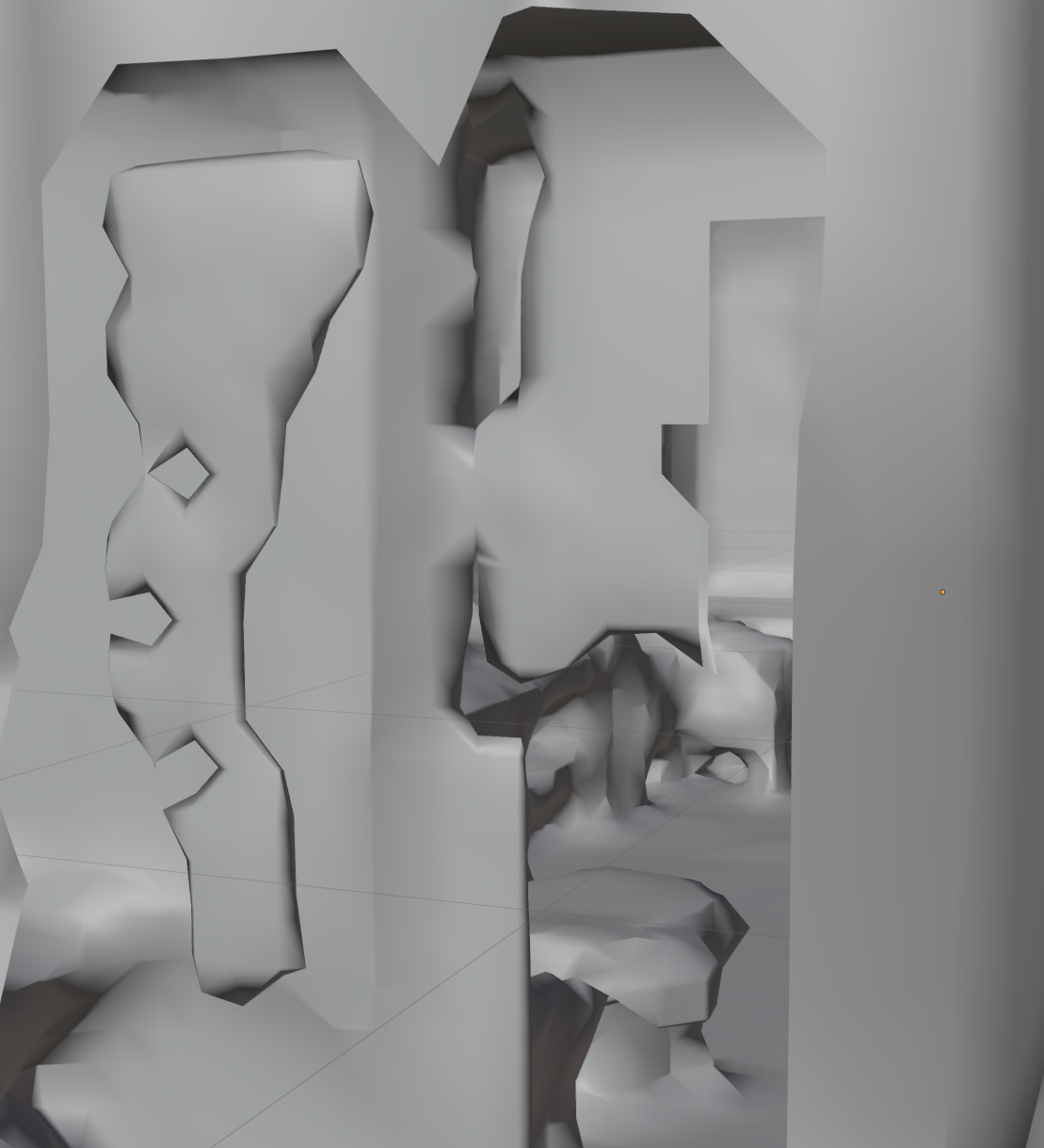
So far two strategies have been tested to take the aligned point clouds and reconstruct a 3D mesh. Week 17’s results were sharp, jagged, and missing large regions. Last weeks outputs were aliased, cut like ribbons, and included strange carvings and artifacts. This week I decided to try a variety of ways to improve this process, one of which was to use the best of both worlds.
Week 17’s process relied mainly on 2D math to carve and define the 3D model prior to constructing it. Last week’s process worked mainly in 3D to perform the steps and compute the model result from visible voxels. The 2D path lacked the ability to effectively occlude rays or work with unseen edges. The 3D path could handle those, though it’s reconstruction logic lead to either puffy or ribbon cut results often with artifacts. I was able to apply concepts from both processes together in a new hybrid pipeline. This allowed for the best of both worlds. The result was smooth, with correct normals for backface culling, holes were filled, walls were smooth, and ribbon cuts were nowhere to be found.
This made for much more correct 3D models, though initially at a cost. The previous implementation had performed some sequences quite slowly. With review and revision, I was able to increase the performance to a reasonable level while maintaining quality. Some improvements still need to be made. Some floating blobs have appeared, and doorways at times can be covered by the hole-filling step. These results may hopefully be improved in future iterations, and at this time represent much more manageable artifacts compared to the ribbon cuts and jagged lines found in the previous week.
Bonus: Mask Comparison Tool
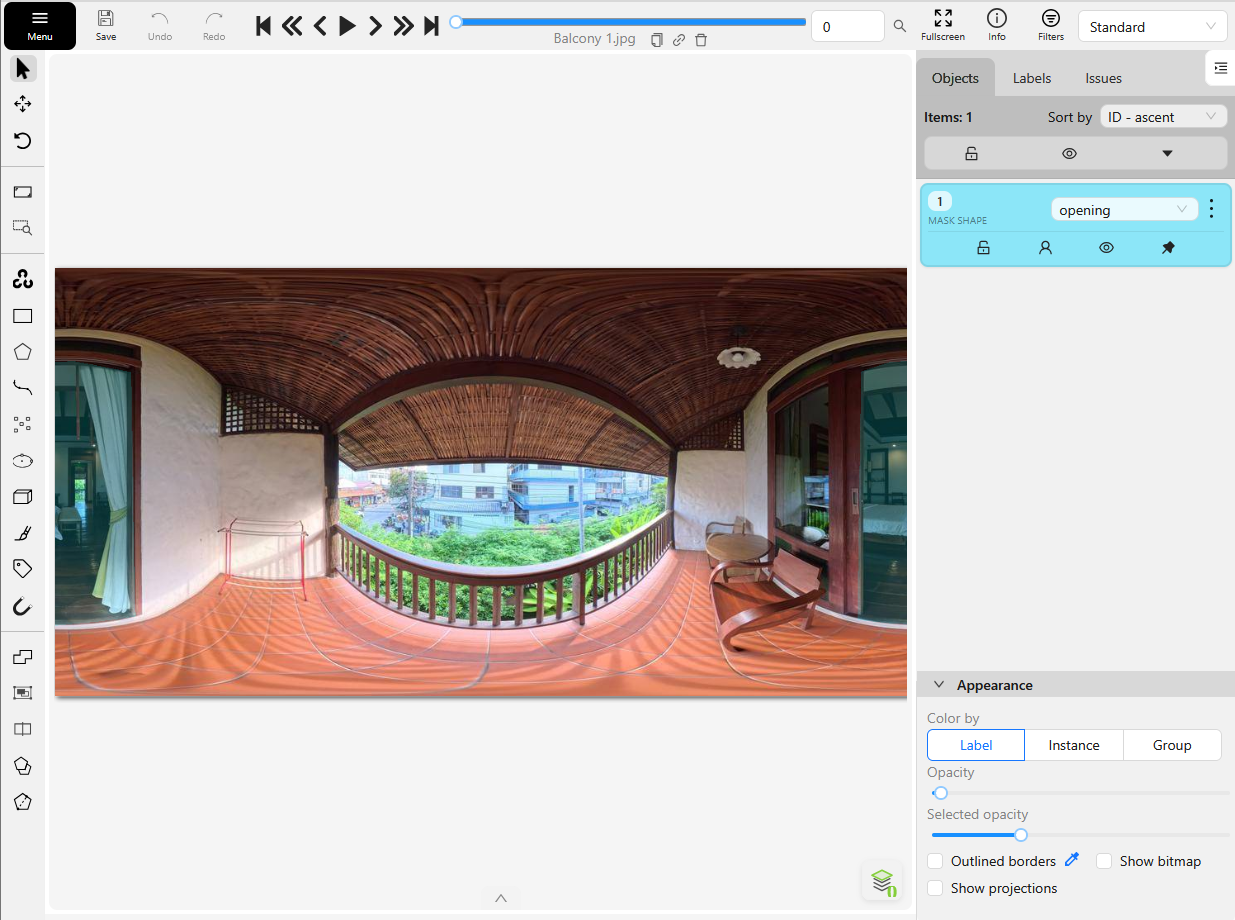
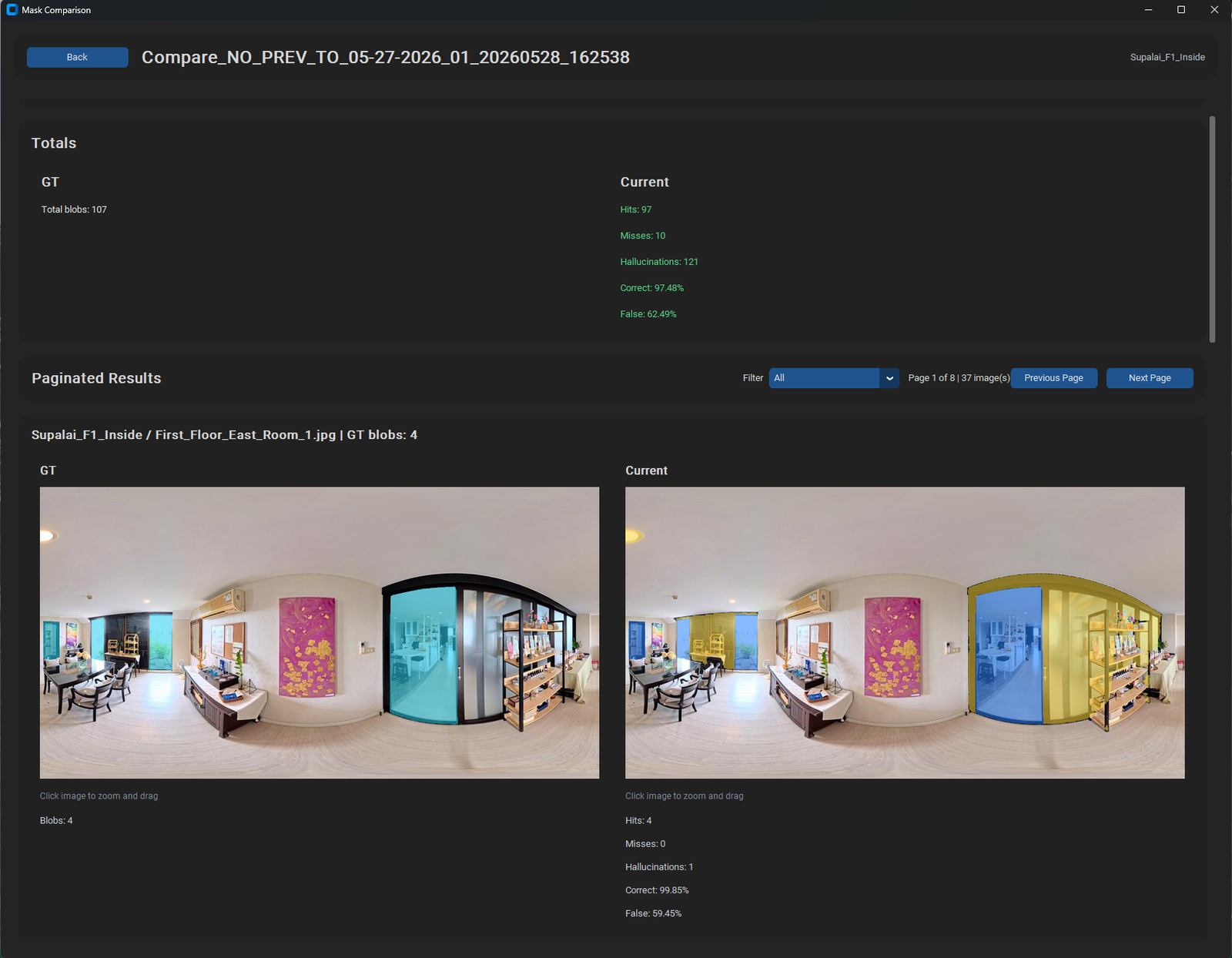
Up until now I have manually reviewed changes to all of the data outputs. This means I have skimmed images to determine if masks are appearing where I expect them. Up until now this has been as needed, and fast enough for development. As the datasets I am using continue to grow, so does the opportunity to regress or fail certain steps in the process. It’s unreasonable to expect myself to manually review hundreds of images after each change attempted. So I devised a tools to assist with this process.
The first tool is for mask comparison. The masking step is currently very important. It identifies things like sky, glass, and opening doorways. It is imperfect, and as I change things, sometimes it catches more doorways while also forgetting others. So that the results do not regress, I must check that they always improve across the board. To do this I setup the mask comparison tool. This tool takes the annotated data for all opening masks and compares it to the ground truth data.
Ground truth data is the data I expect of the mask. It is data I had to manually create. Using an interesting annotation tool called CVAT I skimmed through hundreds of images and updated the AI generated annotations to represent what I expected them to be for each opening. Now I can compare future runs of the process against this data to see if we are getting closer or further from the expectation. I can also compare against previous results to see if a new improvement has improved overall, and if some positions had gotten worse.
Bonus: Match Comparison Tool
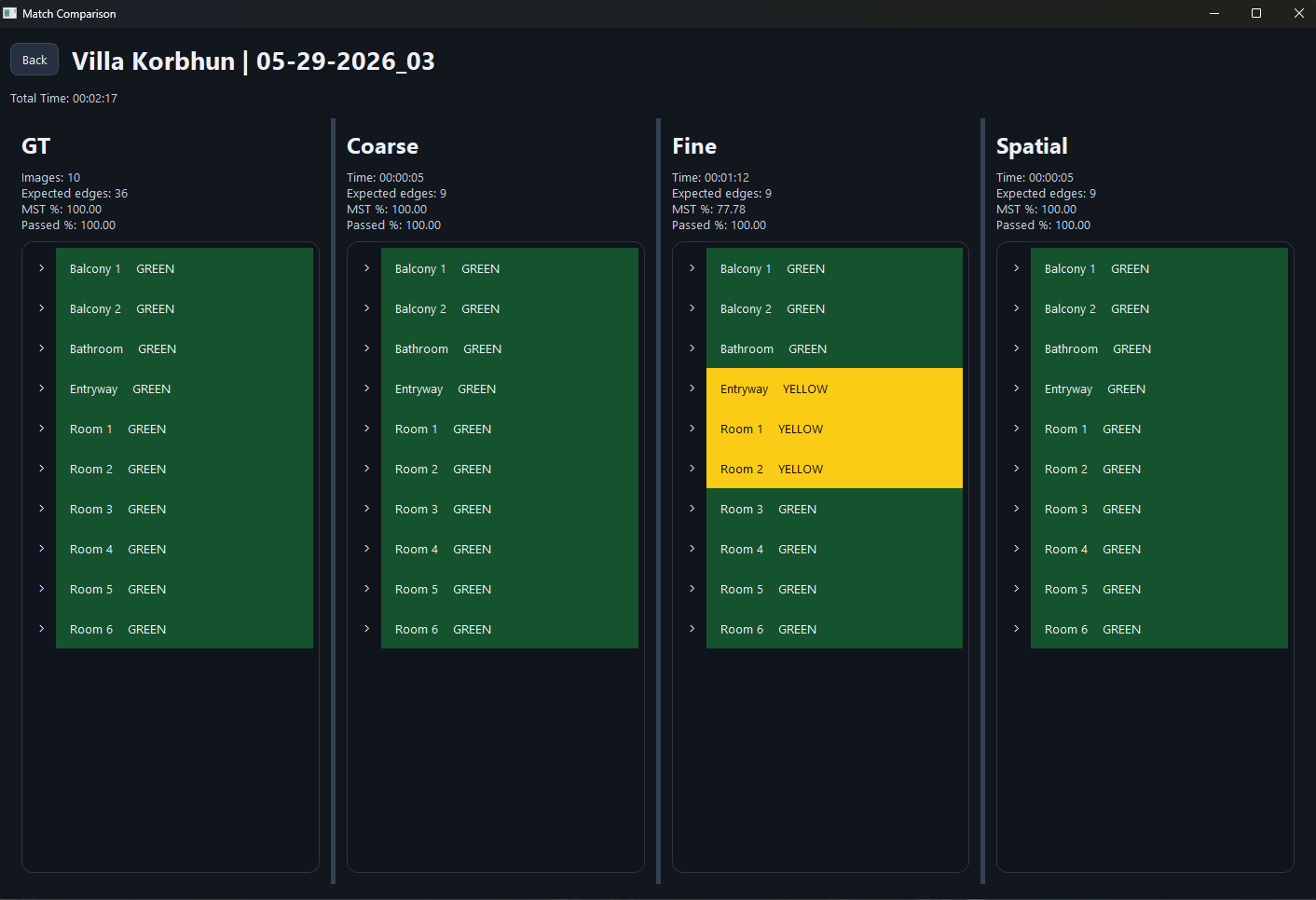
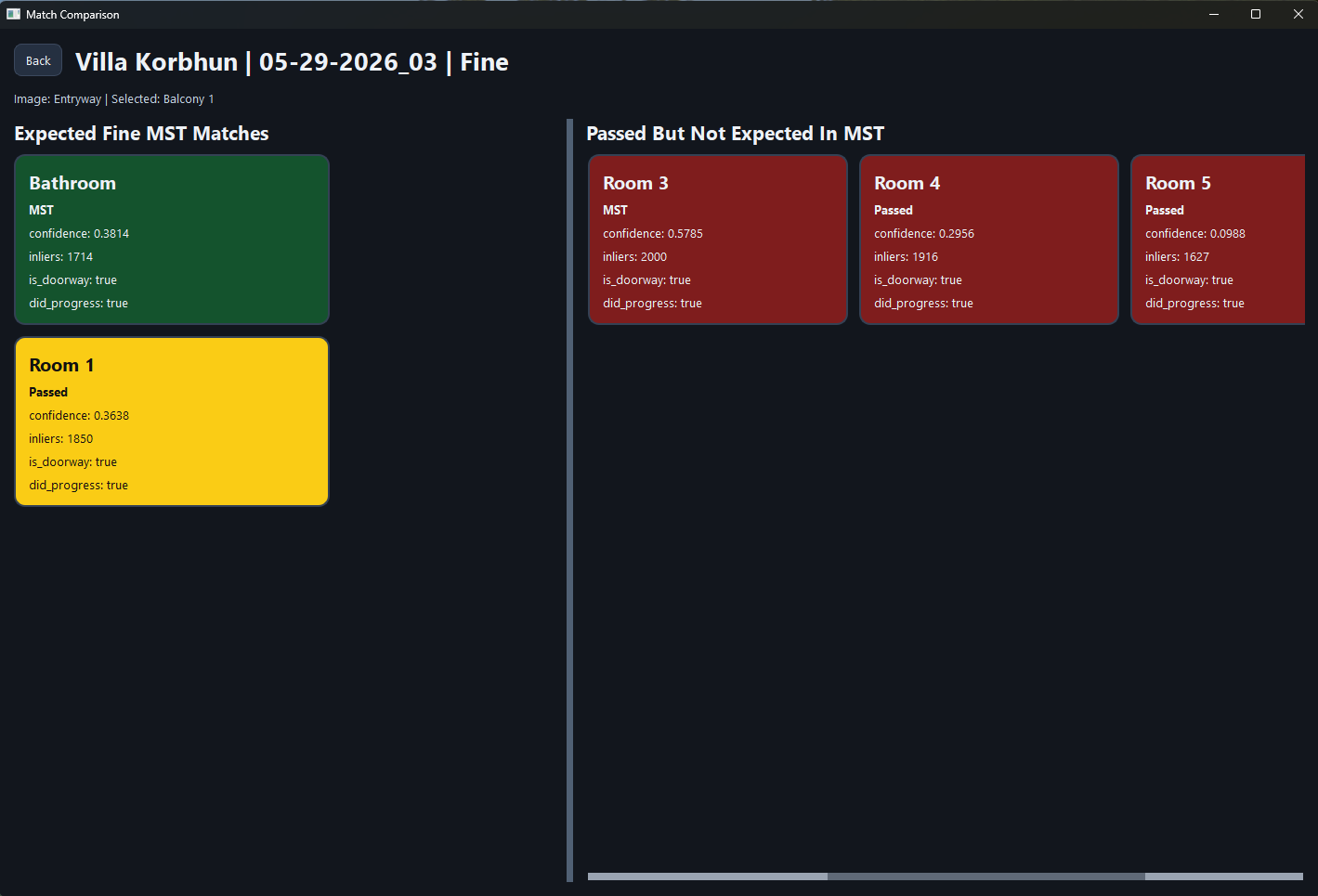
Comparing matches is another important step to the process. In itself are three sub-steps: coarse, fine, and spatial matching. Each step has a variety of conditions that can change its output, and changing one can affect the later steps. Being able to see the accuracy of a run compared to the ground helps me identify where things need improving, as well as where things may have gotten worse over multiple runs.
Both of these tools still require some manual effort to receive the benefit; Though far less than previously required. Further automating this process to include overnight jobs could be beneficial for testing various datasets as a whole.
Summary
This week’s results include a huge milestone. The workflow can make a high resemblance 3D model for multiple datasets with only equirect images. To better research and develop further improvements to accuracy and to curb hallucinations I began creating testing tools to monitor the accuracy of the masks and match results. These should help preserve the current quality of output while I make changes in order to improve it.