Week 6 2026: Maintenance
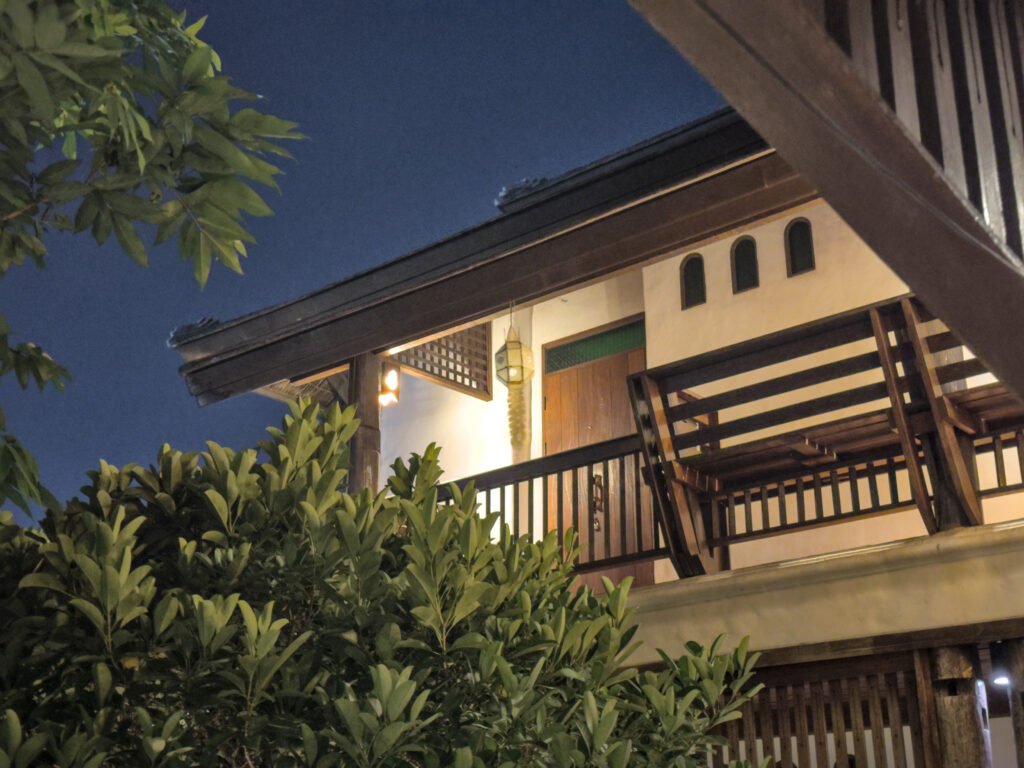
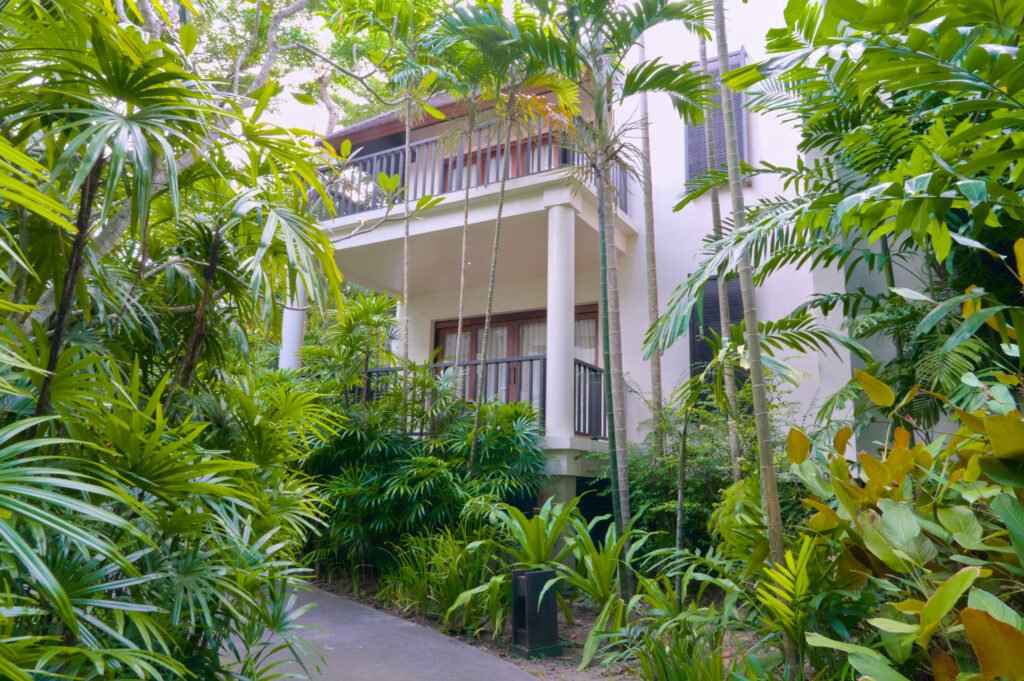
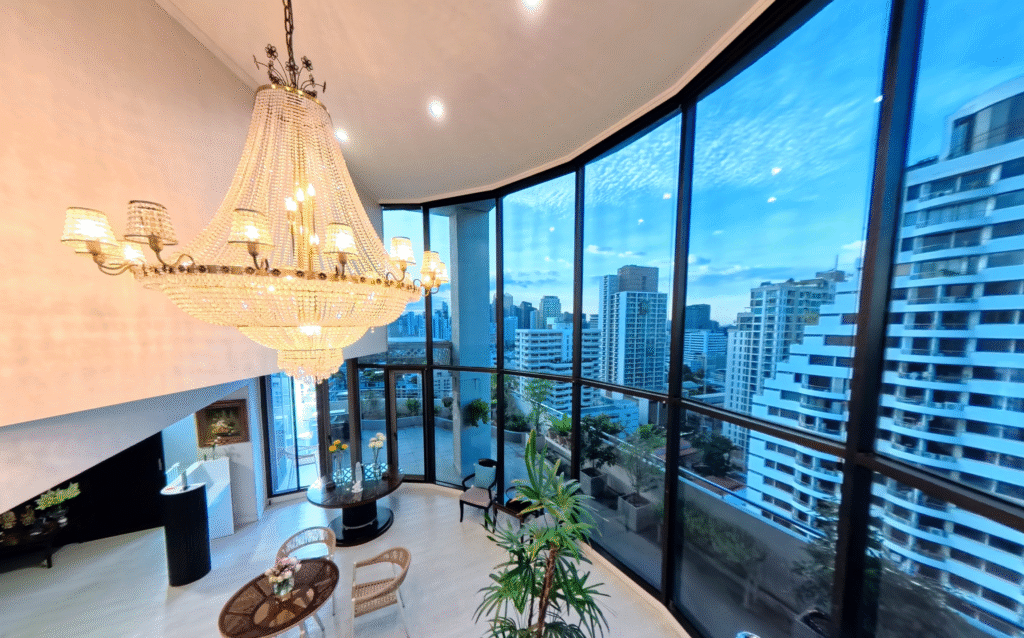
Accomplishments Preserving the User Experience Test List Documentation Workflow Documentation Bonus Architecture Update Infospot Annotations With time all things change, and so does our perspective. When developing features it is easy to become so immersed in the details and develop a sense that you’re aware of everything about the topic. With a head so buried in sand, we might forget the tide will soon come. It takes stepping away and changing topic in order to return with a fresh set of eyes to identify things that weren’t seen before. This week was a practice in that respect. I have identified and resolved many edge cases which lead to unexpected behavior within a virtual tour. These fixes don’t change the ideal user experience. Instead, they ensure that it will occur more often. To protect this experience I began collecting a list of tests to perform after changes. To better recreate these virtual experiences I have outlined the workflow and key steps required to deliver them. Preserving the User Experience Glitch, Bug, Error. These words have become synonymous with technology. The interesting thing about computers is that they almost always do exactly what they are told (if we don’t consider single-event upsets (Link https://en.wikipedia.org/wiki/Single-event_upset)). So really, glitches, bugs, and errors are results of misunderstood or incomplete expectations. For example, virtual tours can be viewed across desktop or mobile. When last week I added the option to right-click and drag the diorama view I had expected this to work the same on mobile. Then, to my surprise, using two fingers to drag on mobile appeared to “glitch”, only zooming in and out. Another step needed to be added which checked for two finger drag, not just right-click. Other improvements were added. In Click and Go 3D, when viewing the diorama, you can now double click on an area in the 3D model and it will determine the closest hotspot. Previously, you had to perfectly click on the tiny circle hotspots. This had the potential to cause frustration on mobile. The 3D cursor was hidden on mobile. It would appear where the phone was last tapped and just sit on the wall. I tested this using the tour from a tropical villa in Pattaya, Thailand. The cursor sticking to the wall reminded me of the geckos native to the resort. Sizing is a challenge I often face when defining user interfaces. The one file is expected to cover infinite sizes and many aspect ratios. How can we ensure text is equally visible on a screen regardless of resolution? We can scale the size of the values based on the screen’s size. This way it will always display as a percentage of the screen, rather than a static pixel count. I updated the custom grid to introduce font scaling, and reduce the chance of fonts appearing difficult to see. These along with more minor fixes and improvements were implemented and used to provide a better user experience as they navigate virtual tours. Test List Documentation Test List Many of us have visited a grocery store, purchased our ingredients, and only when we returned home realize we forgot something important. Lists are a great way to avoid this. I find that it’s easy to remember many things, but unlikely to remember everything always. This is why I began keeping a list of tests, or expectations, I have about the virtual tours I produce. When I change the code it’s important to return to these tests to check that I have everything the way I expect it. Sometimes one change, in one place, may affect something totally different in another place, in a way we would never expect. So as confident that I may be that my code is perfect, confidence is not fact, and lists are often more reliable. Workflow Documentation Simplified Workflow AI Graphic A recipe is another form of list. It’s a list of steps (sort of like a program (wink emoji)). Many of us have tried to follow a recipe from memory. Sometimes this leads to comments about how “it came out different this time”, or “did you use more sugar?”. Having a recipe ensures that something can be reproduced, and the closer we follow the recipe the more accurate the reproduction. Virtual tours are no different. You need ingredients (text content), kitchen tools (blender, camera, custom scripts), and an order of steps (take pictures before placing them in a 3D scene). All of this leads to a result. To keep providing results at a similar quality it’s important to have a recipe. So this week I organized and expanded upon some notes I have gathered about the process and documented them. This 4 page workflow document currently covers the steps from photography to upload for a single floor 3D virtual tour. I expect this document to change with time, as more outputs are defined, different needs are identified, and different improvements are made. Bonus: Architecture Updates Directory Structure AI Graphic When the power goes out, standalone devices require us to go around and reset their clocks. Each one we have to reset on its own. Computers almost never have to be reset nowadays. This is because the time isn’t always from inside the computer, it is checked from some shared location, and that makes life much easier. I wanted the same to be true for my virtual tours. Until now, virtual tours were self contained. They lived in their own folder, with their own plugins and other files. Recently I had to update a plugin file for all of the tours on my website. It was the same file, with one instance stored locally in each of the tours. It’s annoying to update one thing in six places. It’s much better to update six things in one place! This week I was able to dedicate some time to identifying if and how this could be done on a big scale. I wanted to outline a structure that would work for any